

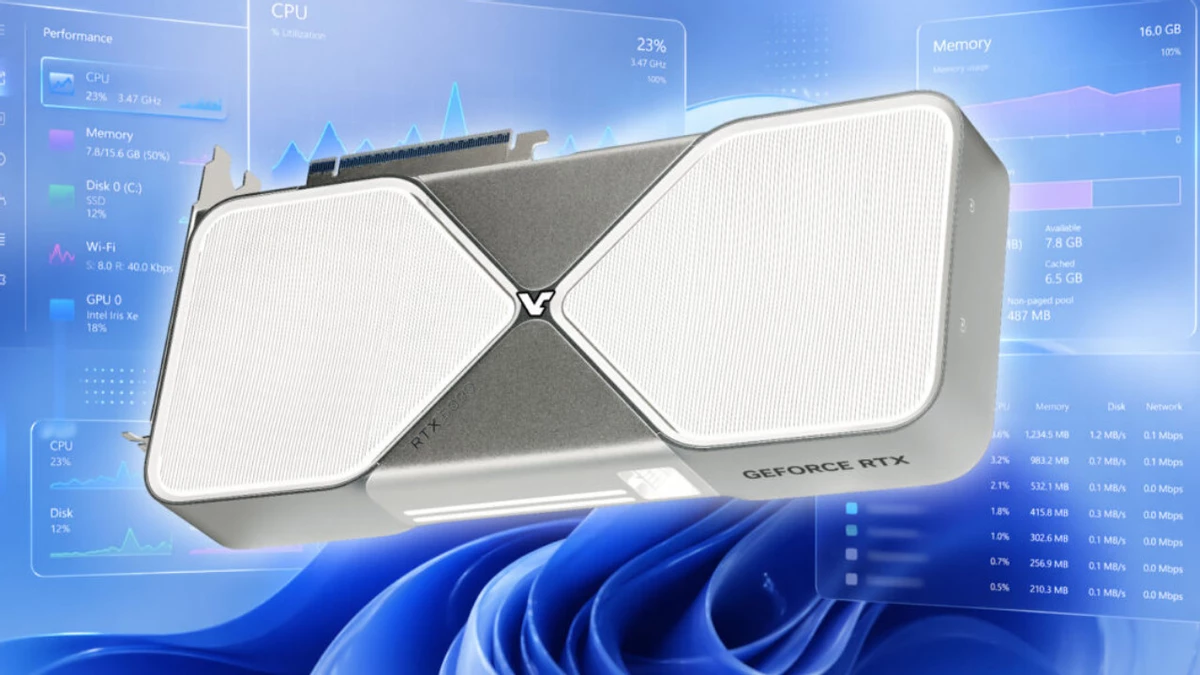
Microsoft is nudging Windows toward the "AI era" again — this time, Task Manager gets a little less mysterious. In the latest Windows 11 Insider Preview builds, the Performance tab will show not only the usual GPU load curves but also activity from the neural engines embedded on the card.
That makes a practical difference on modern rigs where work can hop between CPU, GPU, and NPU. Until now you mostly saw one big GPU meter and had to guess whether that spike came from rendering frames or running an inference on tensor cores. The new layout separates those specialized blocks into their own graphs, so you can actually see when neural workloads are running.
The change touches the process view too. Task Manager adds optional columns for NPU and NPU Engine that you can enable manually; useful when you want to know which app is tapping the neural coprocessor — background blur in a video call, local text generation, or a "smart" filter in an editor, for example. On the Details page you’ll also get numbers for AI-related memory use (dedicated and total). Expect the experience to vary with drivers and hardware, but the visibility leap is obvious.