

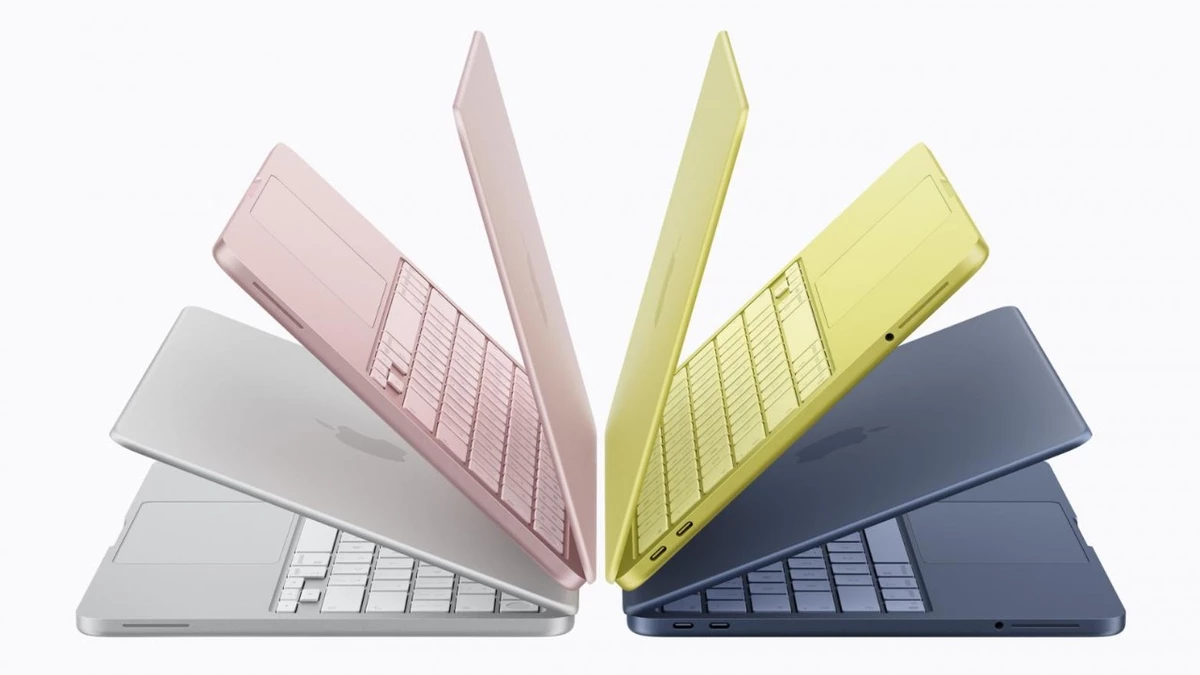
The MacBook Neo has two USB-C sockets, but don’t be fooled by their matching looks: they aren’t equal. One port is full-on USB 3 (DisplayPort-capable) and handles external monitors plus data at up to 10 Gbps. The other is a pared-down USB 2 line, limited to about 480 Mbps and unable to drive an external display.
Both sockets will charge the laptop, so you won’t lose power options. If you plug in a charger and a storage device at once (e.g., charge + external SSD), Apple recommends using the slower port for the charger so the fast port stays free for high-speed transfers or peripherals—esp. useful when you need the bandwidth. Try to attach a monitor to the wrong jack and macOS will pop up a warning asking you to switch to the other port.